Start a course
Begin with a blank course, or open one you already have.
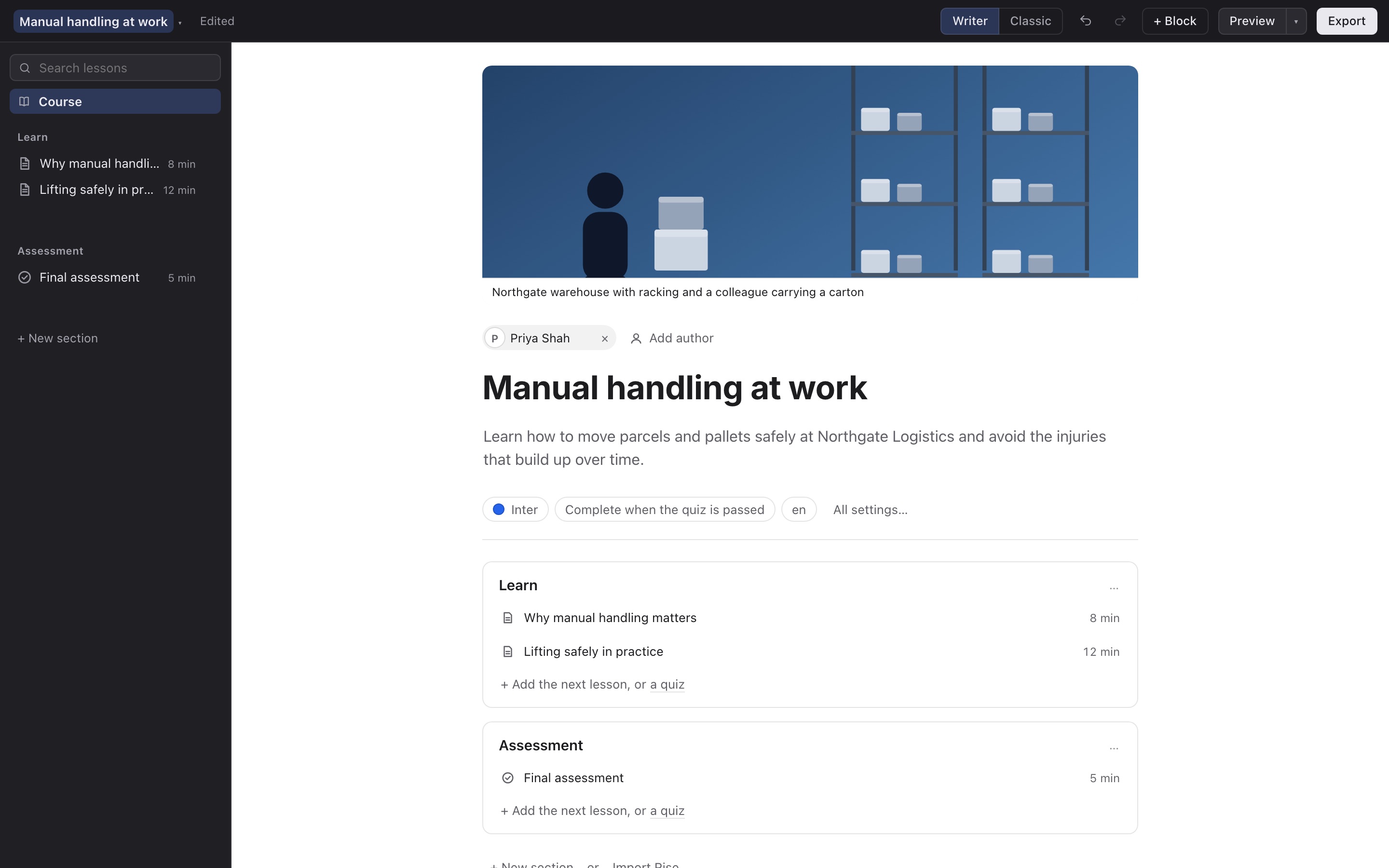
SCORM Builder is a block editor for e-learning on your Mac. Build lessons and quizzes, preview them on any screen, and export SCORM for your LMS.
Free for 7 days with the direct download. Requires macOS 14 or later.
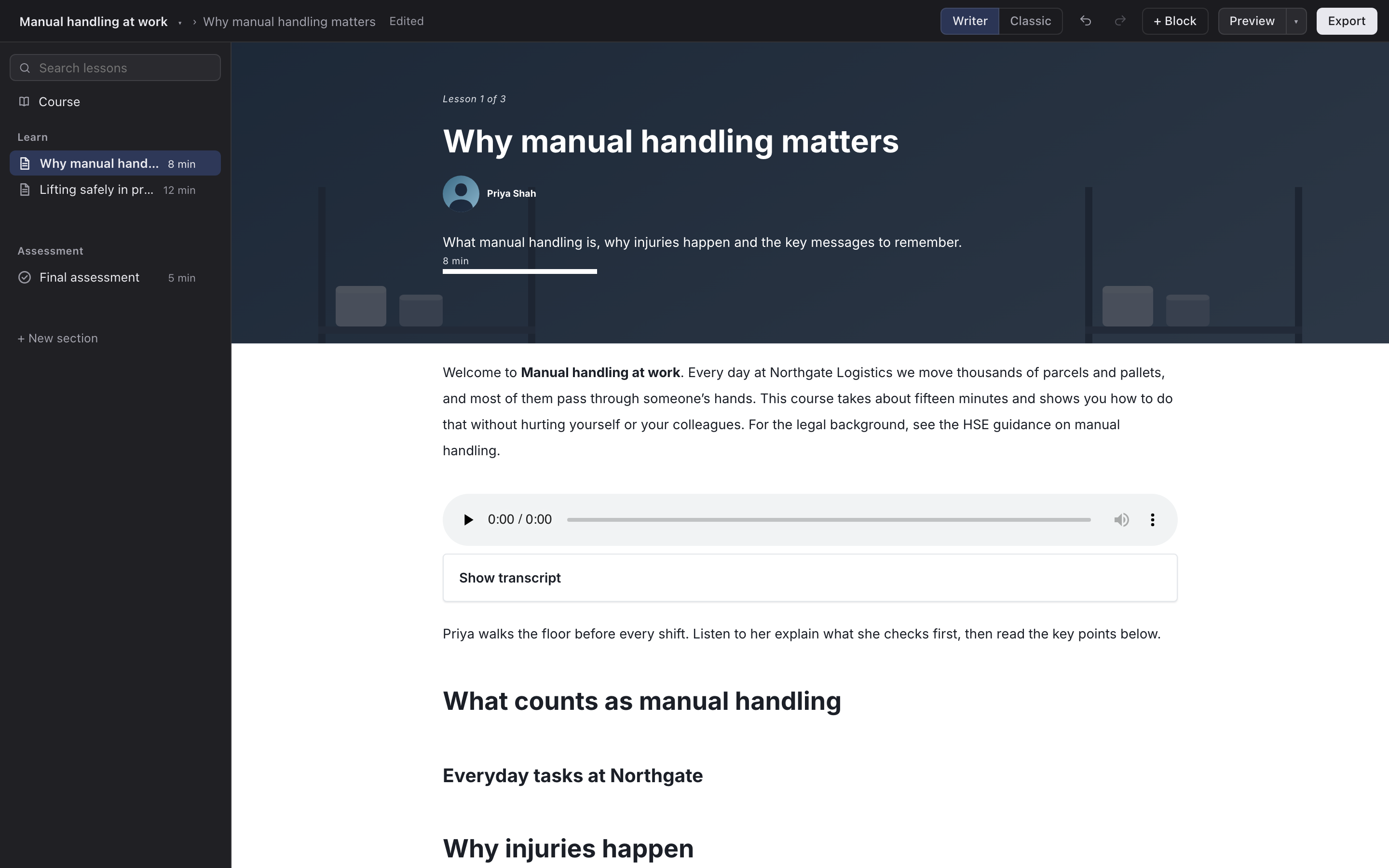
The editor on the sample course, Manual handling at work.
Your course stays on your computer. Nothing to upload, nothing to host.
Begin with a blank course, or open one you already have.
Add text, pictures, interactions and questions from the block library. Type straight onto the page.
Choose SCORM 1.2 or SCORM 2004, then upload the zip to your LMS.
Every package carries our player. It draws your course at desktop, tablet and phone widths, tracks progress, and reports the score and the completion to the LMS.
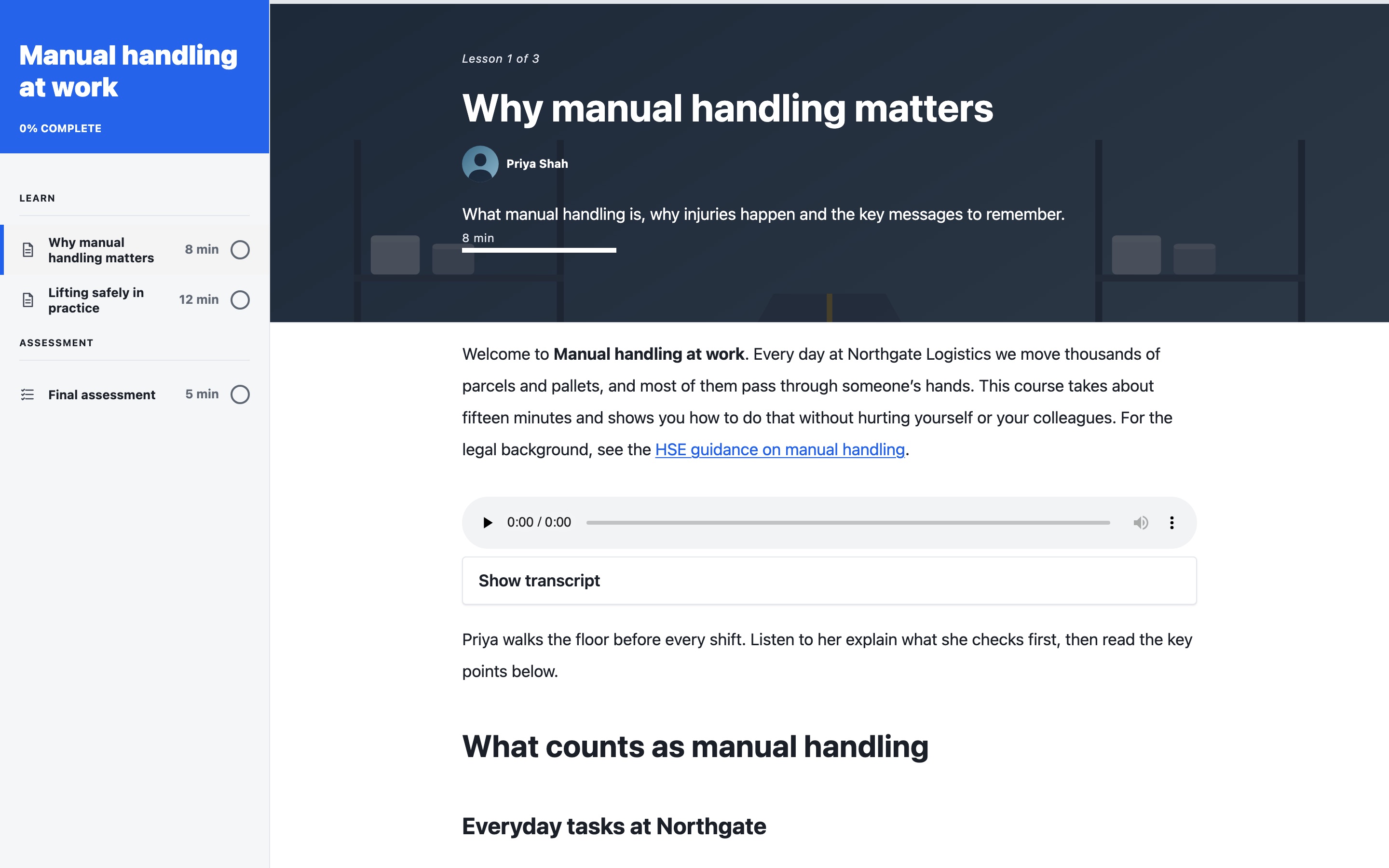
Text, images, video, accordions, tabs, flashcards, processes, timelines, scenarios and more. The library shows each one in your course's own style.
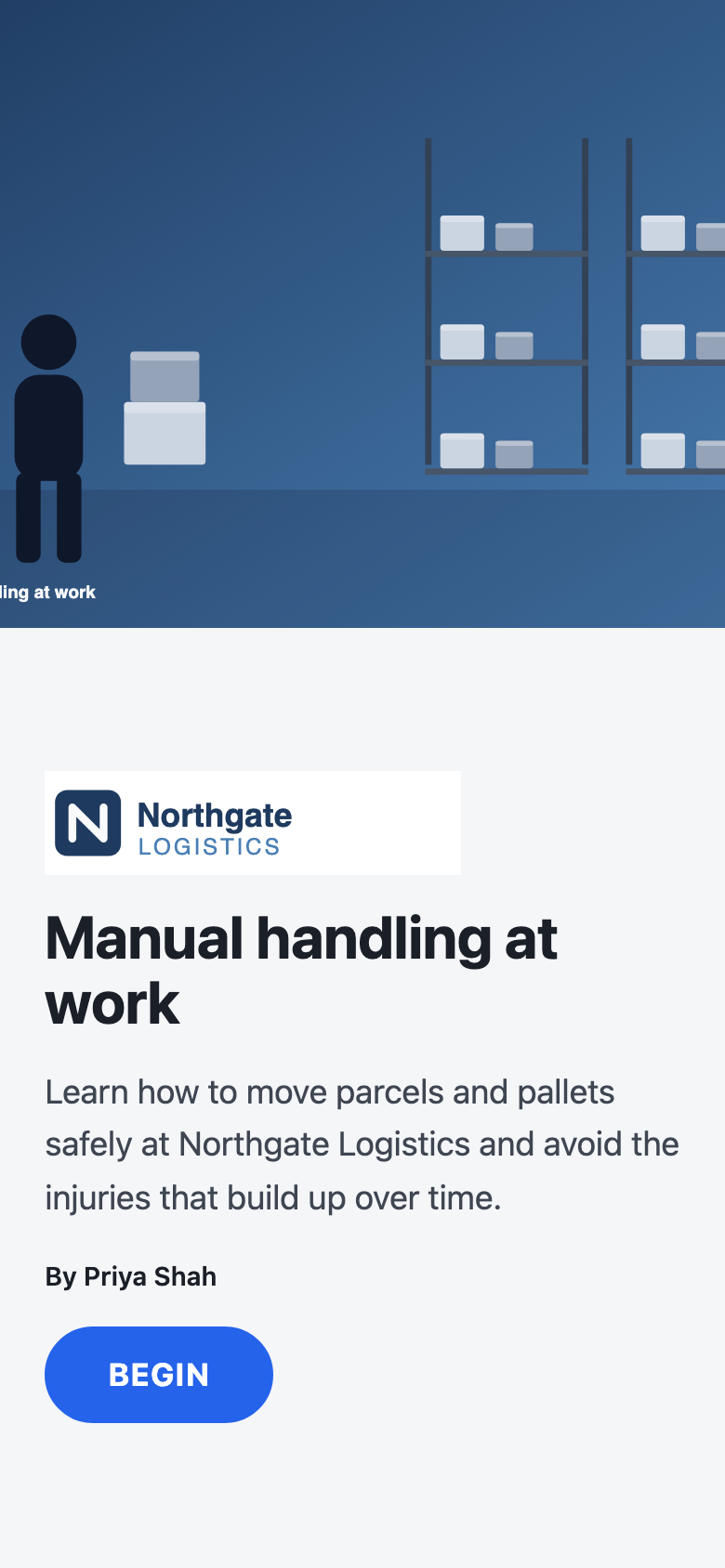
See the course on desktop, tablet and phone, in a window that updates as you edit.
Type questions and answers where learners will see them. Set attempts, the pass mark and feedback in one panel.
Theme, cover, navigation, completion and labels in one window, with the course redrawn beside the controls as you change them.
Pick a Google font and its files ship inside the package, so the course looks the same on every LMS without a request to Google.
If a block cannot go into the package, export tells you how many it leaves out before you upload.
The package holds our player, your course and your files. Nothing else.
Native menus and toolbar. Each course is a document you save, find and back up like any other file.
Open the zip you exported from Rise 360 and keep editing it here. You do not need a Rise subscription to open it.
An imsmanifest.xml, the schema files, and one small player that reports progress, score and where the learner stopped.
A subscription per author. Try it free for 7 days with the direct download, then subscribe to keep going.
Prices include VAT where it applies. On the Mac App Store you subscribe in the app; with the direct download you subscribe on our site and get an invoice for your company.
Only the billing differs. Both are on their way; neither is available to download yet.
Want to know when it ships? Email support@lostendfound.com and we will tell you, once, when it does.
Any LMS that accepts SCORM 1.2 or SCORM 2004 4th edition. The package follows the standard to the letter and carries the schema files, so a strict LMS validates it too.
Yes. Open the zip you exported from Rise. Most blocks come across ready to edit; the editor marks any it cannot rebuild.
No. SCORM Builder is a Mac app.
The app is the same. Buy directly if you want the 7-day trial first or your company needs a VAT invoice. A plan bought in one version does not carry over to the other.
On your Mac, as a document you save where you like. SCORM Builder has no accounts and no cloud: the only thing that leaves your computer is the package you upload to your LMS.

Every feature, one plan, a 7-day free trial, and a package your LMS reads first time.
Get the app